
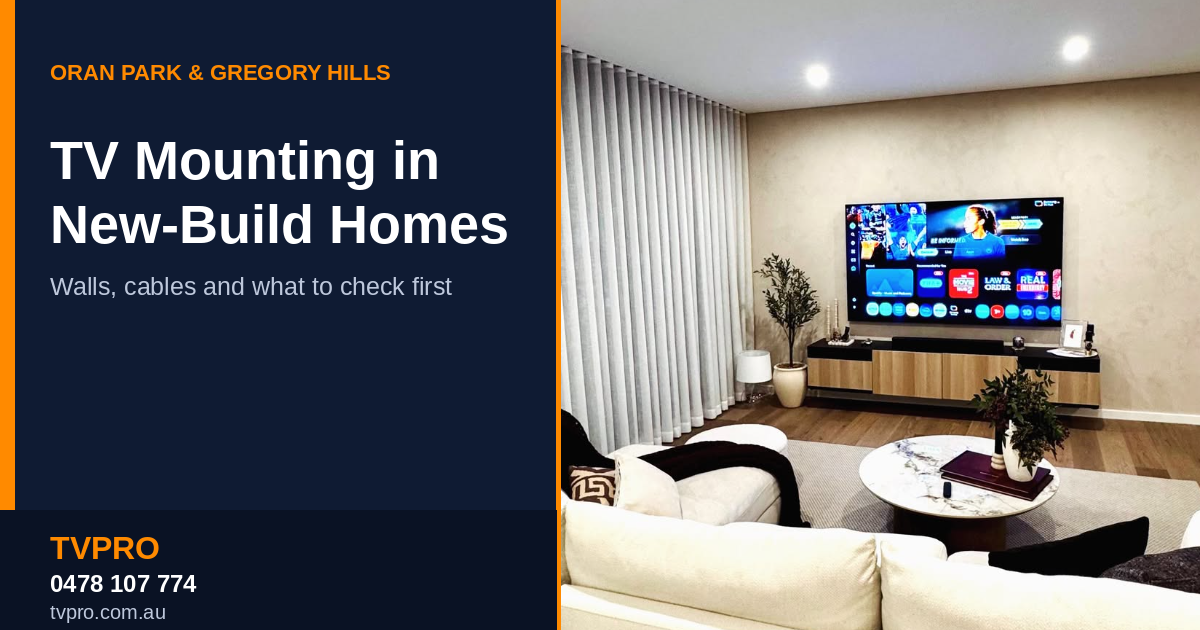
Quick answer: In a new home, check the wall construction, the builder’s defects process and your electrical plan before mounting a TV. Many newer homes have plasterboard over timber or steel framing, so brackets usually need to be fixed into studs. A licensed electrician must handle any new power point.
Moving into a new home is a good time to plan the entertainment wall. The walls are clean, the floors are clear and no furniture is in the way. But new-build construction brings its own questions, especially in growing south-west Sydney suburbs. This guide covers what to check before booking TV wall mounting in Oran Park or Gregory Hills.
Key facts
- Plan early: decide the TV position before the electrical work is finished, if your home is still being built
- Walls: often plasterboard over timber or steel framing
- Power points: new ones need a licensed electrician
- Quote: free, based on TV size, wall type and bracket
- Contact: 0478 107 774
What are the walls like in a new home?
Construction varies by builder and design, so check your plans or ask your builder. Common arrangements include:
- Plasterboard on timber or steel studs for most internal walls. Fix brackets into the framing, not the plasterboard alone.
- Brick veneer on external walls, with a timber or steel frame behind the brick. Check what is behind before drilling an outside wall.
- Lightweight panels or Hebel in some modern designs, which need anchors made for that material.
Studs are often 450 to 600 mm apart, and they may not sit where you want the TV. A mounting plate or a different position can solve this. Our guide to wall types in Australia explains each material in more detail.
Plan before you move in
If your home is still being built, tell your builder or electrician where the TV will go. Ask whether a power point, data point or cable conduit can be placed behind it. Adding these during construction is usually simpler than adding them later, and it avoids visible cables.
If you have already moved in, a new power point behind the TV must be installed by a licensed electrician. For tidy cables without new electrical work, cable channels or in-wall routing for low-voltage cables such as HDMI are common options. Our guide on how to hide TV cables covers them.
Check your builder’s defects period
New homes usually come with a builder’s warranty or defects period. Before drilling into walls, check what applies to your home, and report any existing defects first so they are not confused with mounting marks. Take photos of the wall before work starts.
Choose the right bracket and height
Open-plan living areas often have large windows, so glare matters. A tilt bracket helps with reflections, and a full-motion bracket suits rooms where you watch from more than one spot. A fixed bracket keeps the TV closest to the wall. Read our comparison of fixed, tilt and full-motion mounts to choose.
As a general rule, the centre of the screen should sit near eye level when you are seated. Check the TV’s weight and VESA pattern against the bracket’s rated capacity before buying.
Add a soundbar or cabinet
New living rooms often have a clear wall, which suits a TV with a soundbar below it. Most soundbars come with their own bracket, so share the brand and model with your installer. TVPRO’s soundbar wall mounting service covers mounting, testing and audio setup.
A floating cabinet adds storage without taking up floor space, but it must be fixed into suitable structure and planned before the TV height is set. See TV cabinet wall mounting for how that works.
Common mistakes in new homes
- Drilling before checking for wiring or pipes in the wall
- Assuming every wall has studs where the TV will go
- Using standard plugs for a heavy TV in plasterboard
- Setting the TV height before planning a cabinet or soundbar
- Leaving cable routing until after the TV is mounted
Checklist before you book
- Confirm your wall type or ask your builder for the construction details.
- Decide the TV position and seating before marking the wall.
- Note your TV brand, model, screen size and any bracket you already own.
- Find the nearest power point and decide how you want cables handled.
- Check builder warranty and strata or lease rules before drilling.
- Share your soundbar or cabinet plans so everything is quoted together.
What to expect on the day?
A typical visit starts with checking the wall and agreeing the TV position. The installer then fixes the bracket, hangs the TV, manages cables and tests the picture and sound. Bigger TVs usually need two people. Leave clear access to the wall and keep pets and children away from the work area.
Booking TV mounting in Oran Park and Gregory Hills
TVPRO provides TV wall mounting, soundbar installation, TV cabinet mounting and cable concealment across Sydney, including Oran Park and Gregory Hills. Before quoting, a technician asks about TV size, bracket options, wall type and whether you live in a house or apartment. You can request a free quote online or call 0478 107 774.
In summary
Mounting a TV in a new Oran Park or Gregory Hills home comes down to four checks: the wall, the builder’s warranty, the bracket and the cable plan. Settle those before drilling, and the result is safer and neater. TVPRO can assess the job from the details you provide.
Frequently asked questions
Can I mount a TV on the wall of a new home straight away?
Usually yes, but check your builder’s warranty or defects process first, and make sure the bracket is fixed into suitable framing or anchors for the wall type.
Are the walls in new homes plasterboard?
Many internal walls are plasterboard over timber or steel studs, but construction varies. Some homes also use brick veneer, Hebel or other materials, so confirm yours.
Can I hide the cables in a new home?
Yes. Options include cable channels and in-wall routing. A new power point behind the TV must be installed by a licensed electrician.
Should I mount a soundbar with my TV?
Planning both together keeps spacing and alignment consistent. Tell your installer the soundbar brand and model beforehand.
What does an installer need to quote?
Your TV size, bracket type, wall type, whether you live in a house or apartment, and any soundbar, cabinet or cable requirements.